
Activation Error 734 - What To Do?
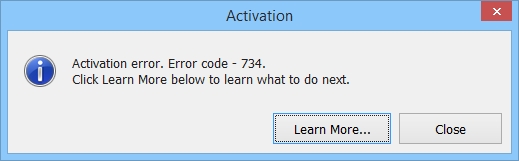
Error 734 means that you are trying to activate the demo version downloaded from the program website. It cannot be activated. You need to uninstall the demo version completely and then download the full version.
Please follow these steps:
1. Close the program;
2. Go to Control Panel and find Programs and Features;
3. Look through the programs list, find the software and uninstall it;
4. After that, go to C:\Program Files and C:\Program Files (x86) folders. Make sure there are no folders with the program name there. If you find any, delete them;
5. Remove any shortcuts on your desktop created by the program;
6. Download the full version using the link from your registration email;
7. Install the full version and activate it with your license key.